AI Filters — try on makeup and hairstyles
Curious about a bold makeup look or a dramatic new haircut? Apply it to your own photo first. SwapTo's AI filters transform your glam and hair while keeping you unmistakably you — the risk-free way to experiment.
A glam studio that keeps you recognizable
Unlike avatars, which reimagine you entirely, filters apply a transformation on top of your actual photo. Your features stay intact while your makeup or hairstyle changes — so you can honestly judge whether a dramatic look works for you before you ever book an appointment.
- 10 makeup looks and 19 hairstyles
- Identity-preserving edit mode
- Editable prompt for each look
- Perfect for planning a real makeover
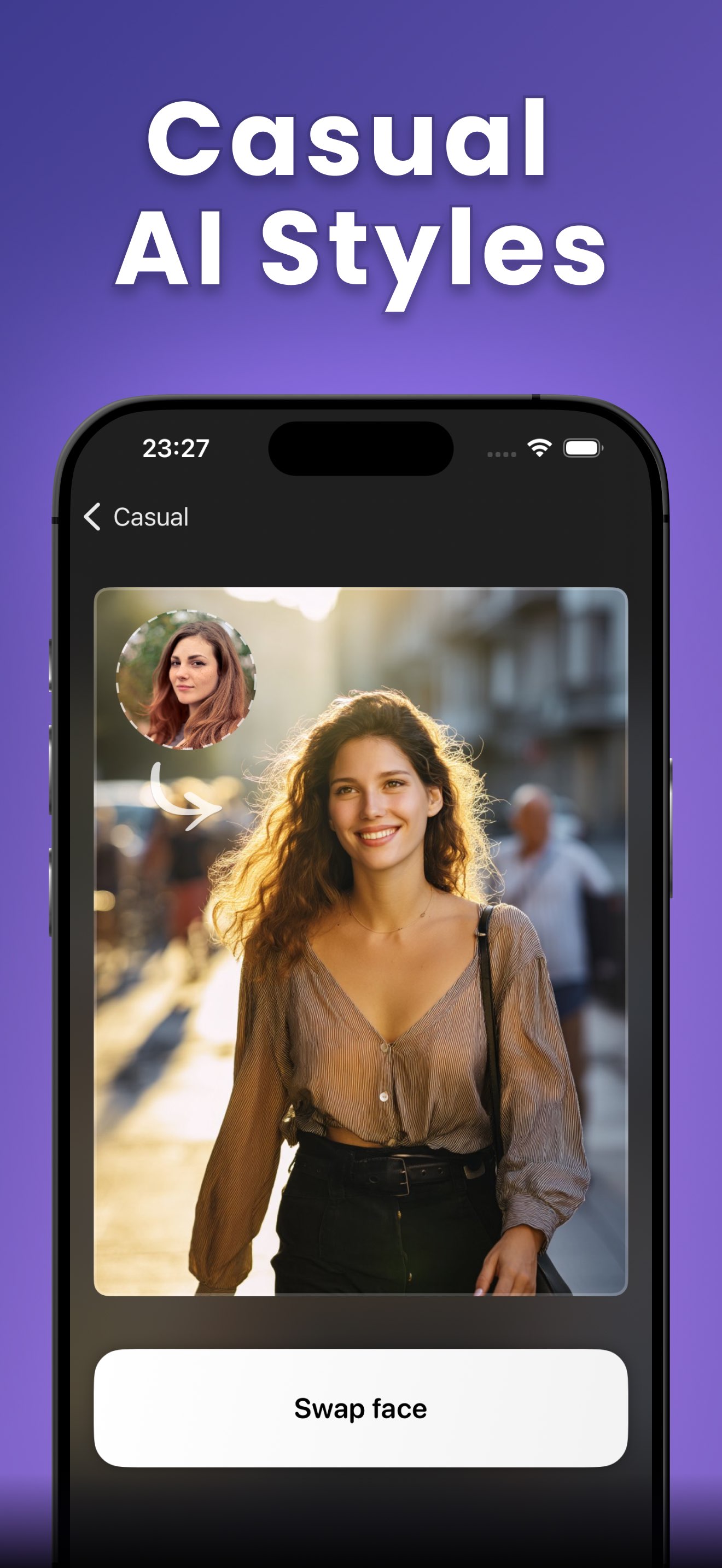
Try on a new look in four steps
- 1
Pick a filter
Browse 10 AI makeup looks and 19 hairstyles, from Pro Makeup and Hollywood Sparkle to Glam Waves and Barbie Glam.
- 2
Tweak the prompt
Each look has an editable description under the hood — leave it as-is or fine-tune it before you apply.
- 3
Add your photo
Choose your own photo. The filter transforms your makeup or hair on top of it, so you stay clearly recognizable.
- 4
Save or regenerate
See the result full-screen, then save, share, or regenerate for a fresh take on the same look.
29 looks to experiment with
Ten makeup looks and nineteen hairstyles, each a one-tap transformation on your own photo.
Makeup looks
10- Pro Makeup
- Nymph Makeup
- Dragon Glam
- Neon Pop
- Arcane Look
- Holo Dream
- Celestial Glow
- Hollywood Sparkle
- Pin-Up Glow
- Cosmic Chic
Hairstyles
19- Boho Layers
- Barbie Glam
- Glam Waves
- Starfall Hair
- Dryad Waves
- Dragon Mane
- Moonfall Layers
- Victory Rolls
- Romantic Waves
- Asymmetry Cut
- Fantasy Braids
- Trendy Styles
- Mage Braids
- Glam Volume
- Crystal Updo
- Pin-Up Curls
- Finger Waves
- Shadow Cut
- Hyper Bob
AI filter questions
How do SwapTo's AI filters work?
How many filters are there?
Will I still look like myself?
Is this good for planning a real makeover?
More SwapTo features
Three AI experiences, one app. See what else your selfie can become.
Try on your first look free
Download SwapTo and see a bold new makeup or hairstyle on your own photo in seconds.
Rated 4.8 by 2M+ happy users